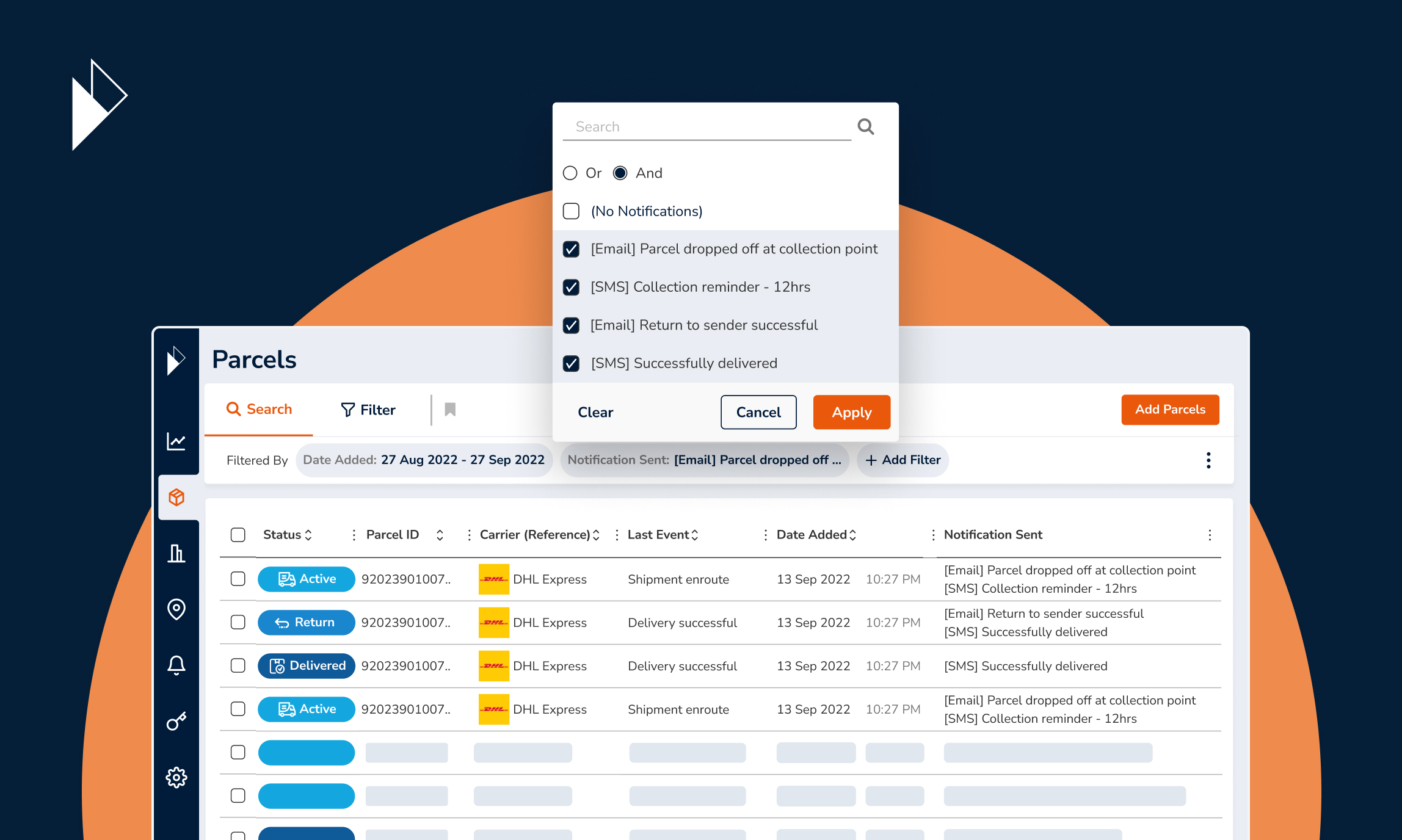
How To: Automate Parcel Upload For Your Parcel Perform Account
In our previous article, we covered the manual methods to get started and upload parcels to Parcel Perform in 3 easy steps:
Add your carriers into your account
Configure your carrier references
Manually upload your parcels into your account
In this article, we’ll spend more time on the third step - parcel upload - and show you the main ways you can automate the parcel upload process.
We have several upload options available: connecting our API to add parcels and of course, our Shopify integration for Shopify merchants.
Automating the parcel upload process is simple and you only need to do it once! From then onwards, parcels will simply automatically be added to your account and you can focus on other really important features, like our customer service overview, carrier our performance statistics and customers and the customer notifications.
Here’s how you get your account set up to ensure all parcels upload automatically going forward.
First, navigate to our Integration Options via the left-most menu
Method #1: API
If you desire utmost flexibility over the parcels and the details that will be uploaded to our platform, our API gateway is the tool to use. allows you to connect your systems directly with the Parcel Perform platform. We have API endpoints that allow you to create one or many parcels at the same time.
Here’s how you get started.
Step 1: Attain your API Credentials
To generate your unique Access Token, you need two items; a Client ID and a Client Secret. These are unique to your account. Simply click on Copy to copy them to your clipboard.
Step 2: Generate an Access Token with Your API Credentials
You need to first encode your Client ID and Client Secret. Technical details on how to do this process as well as adding your parcels to your account and retrieving parcel updates can be found in ourAPI Documentation.
Method #2: Shopify Integration
If you’re a Shopify merchant, the setup process couldn’t be simpler. Go to our Shopify integration page and enter your shop’s URL to automatically pull all your parcel data. We then sync with your Shopify store every 15 minutes, ensuring all your parcel details between your store and your Parcel Perform account is updated regularly.
You can even connect multiple Shopify stores to a single Parcel Perform account and manage them simultaneously. How awesome is that? Have a look at this blog post for more information.
How-to: Connect Your Shopify Store to Parcel Perform
If you're looking for a simpler way to get started, we offer manual parcel upload options to get your Parcel IDs in the system. More details here.
And that’s how you get started with your Parcel Perform experience! After uploading your parcels, why not look at configuring your Tracking Experience too?
You might also like
Overcome these 6 barriers to maximize returns profits
The path to profitable returns is not an easy one. Here are several barriers that e-commerce businesses face.
Dec 14, 2023